
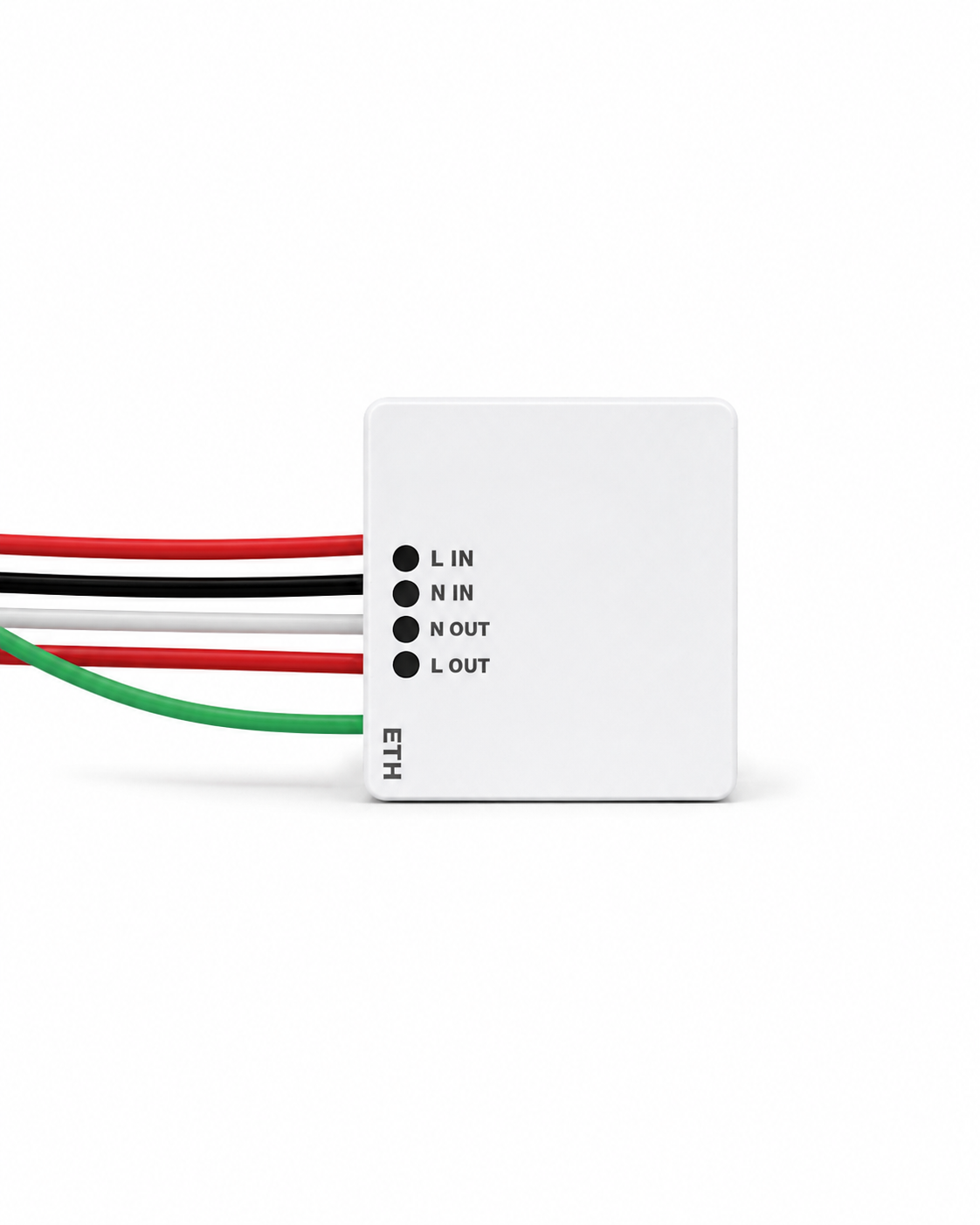
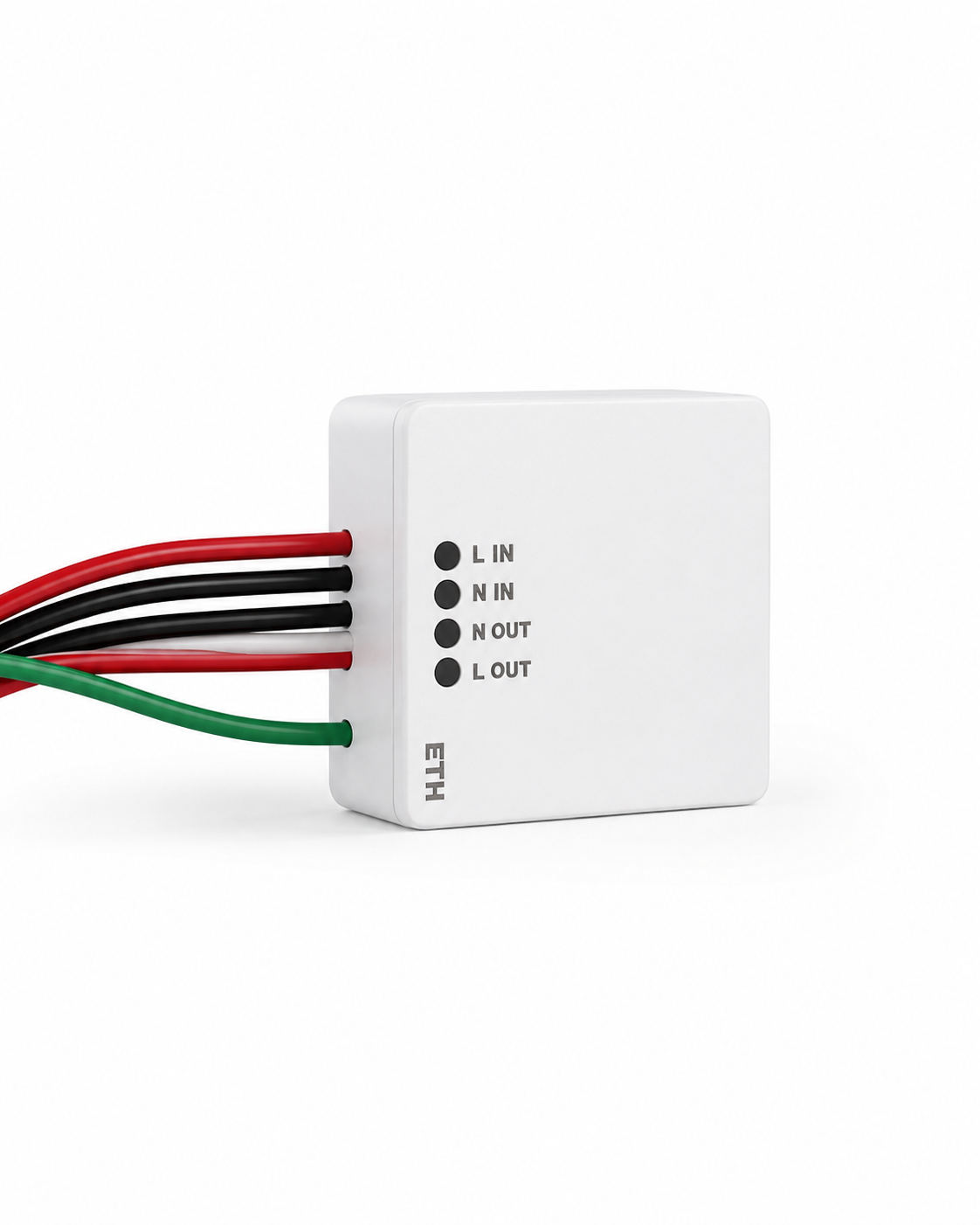
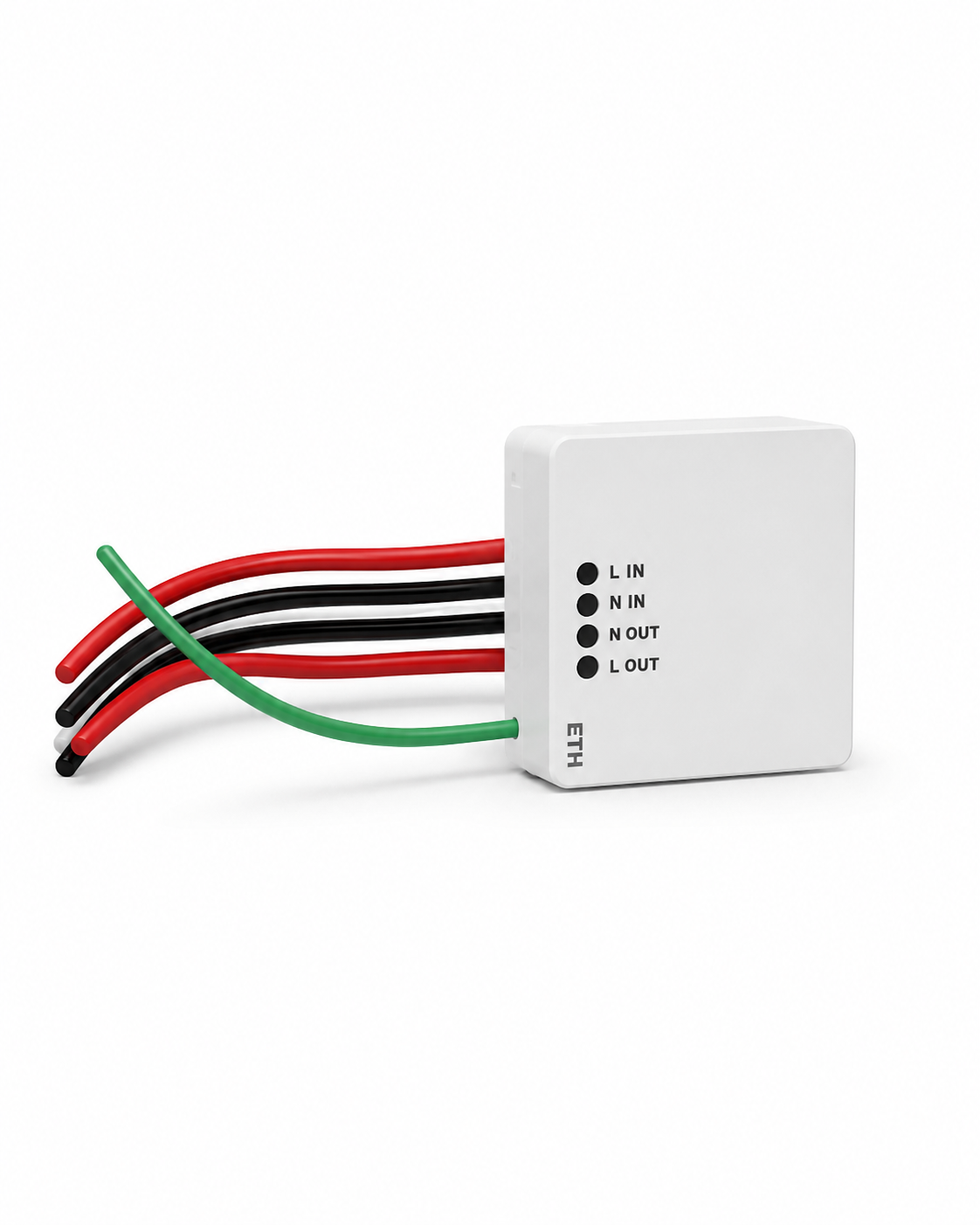
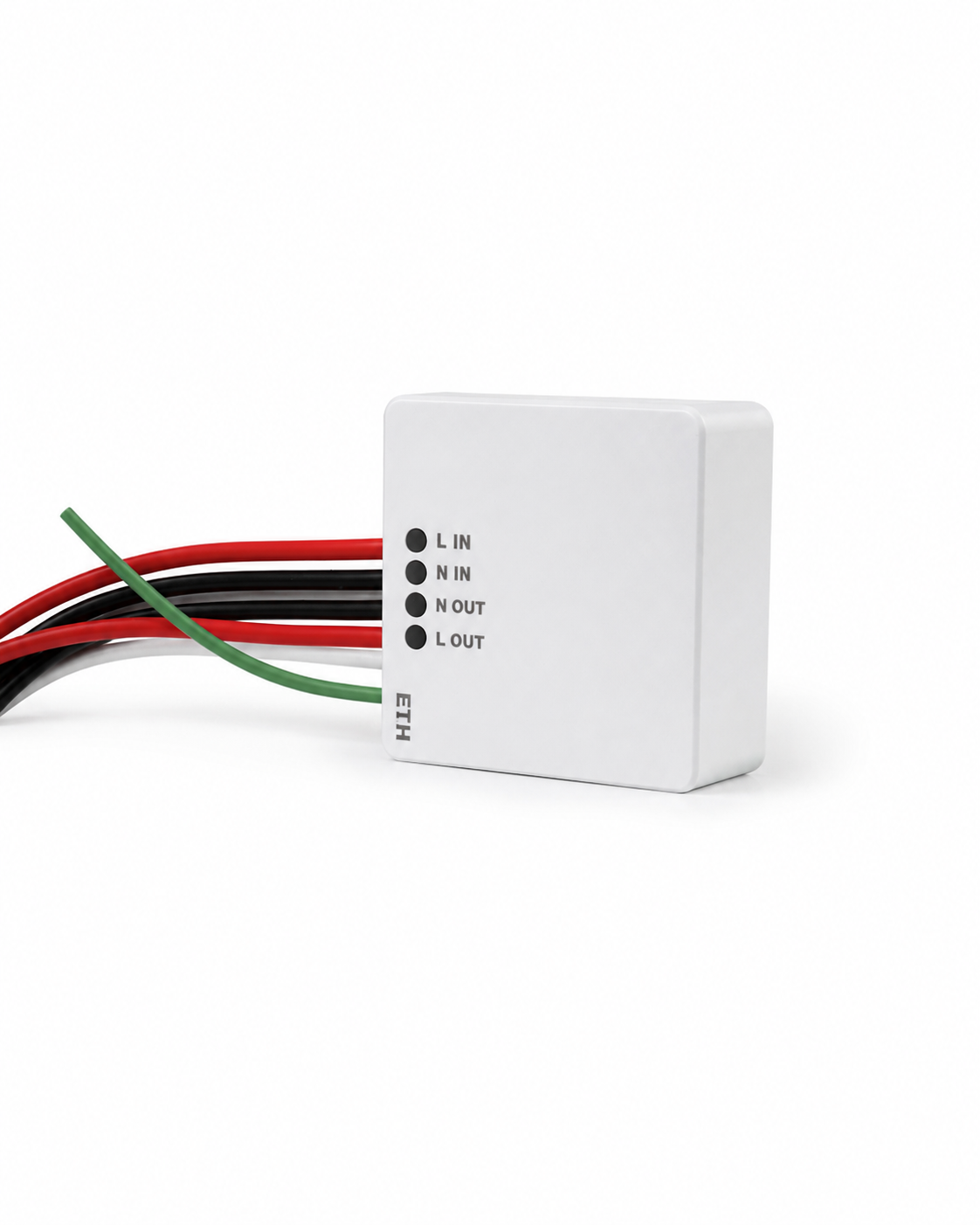
SPD 10KV (Surge Protection Device)
₹636.00
The ElephTech SPD is a high-performance surge protection device designed to safeguard smart home electronics against voltage spikes and transient surges. It offers essential electrical defense for sensitive automation panels.



SPD: Designed for Its Purpose
The ElephTech SPD is a high-performance surge protection device designed to safeguard smart home electronics against voltage spikes and transient surges. It offers essential electrical defense for sensitive automation panels.

Description
The ElephTech SPD (Surge Protection Device) safeguards sensitive smart home electronics, control panels, and automation modules against voltage spikes.
Product Specifications
| Specification | Product Detail |
|---|---|
| Model | SPD |
| SKU | 85 |
| Series | Energy Management Series |
| Type | Surge Protection Device |
| Configuration | Modular DIN Rail SPD |
| Material | Flame Retardant PBT Polymer |
| Finish | Industrial Matte Grey/White Finish |
| Colour Options | Industrial Grey / White |
| Operating Voltage | 230V / 415V AC, 50/60 Hz |
| Protection Technology | High-Energy Metal Oxide Varistor (MOV) |
| Discharge Rating | In: 20kA, Imax: 40kA Surge Capacity |
| Response Time | < 25 Nanoseconds Clamping |
| Connectivity | Hardwired DIN Rail Mounting |
| App Support | Standalone Hardware Protection |
| Voice Assistants | Standalone Hardware Protection |
| Status Indication | Mechanical Red/Green Fault Flag |
| Protection Modes | L-N, L-PE, N-PE Complete Circuit Protection |
| Operating Temperature | -40°C to 80°C |
| Standard Compliance | IEC 61643-11 Class II SPD |
| DIN Rail Standard | Standard 35mm DIN Rail Mount |
| Dimensions | 2-Pole: 36mm × 90mm × 66mm |
| Warranty | To be confirmed from final warranty policy |
Frequently Asked Questions
It operates using standard 2.4GHz Wi-Fi, Zigbee 3.0, or Bluetooth Mesh communication protocols.
Depending on the specific SKU, it is powered via direct 230V AC mains, standard wall plug, or low-power long-life lithium battery.
Yes, it acts as an automation trigger or coordinator for linked lights, climate, and security devices in the app.
Yes, real-time status updates and alert push notifications are transmitted directly to your mobile device.
Yes, compatible connected functions can be queried or controlled via Amazon Alexa and Google Assistant.
Install in a central location within wireless range of your Wi-Fi router or smart home gateway.
Plug-and-play and battery sensor devices require no wiring, while mains-wired SPD or relay units require a qualified electrician.
Yes, settings and network pairing are retained automatically upon power restoration.
Related products
From Wall to Ready.
-
Step 01: Confirm Compatibility
Check the panel format, intended loads, supply requirements and installation location. -
Step 02: Isolate Power
Switch off the appropriate electrical supply before installation work begins. -
Step 03: Professional Installation
Have a qualified electrician mount and connect the panel according to the official ElephTech installation diagram. -
Step 04: Connect & Configure
Complete Wi-Fi and supported app setup after electrical installation. -
Step 05: Personalise Controls
Configure switches, scenes, routines and supported voice-control functions.
Before Installing the SPD.
Before selecting the SPD, review the conditions that matter for smart ecosystem sensing and control so every component is chosen for its actual technical requirements. Five checks: – Placement & Field of View: Verify unobstructed line of sight and mounting height. – Communication Protocol: Confirm Zigbee 3.0, BLE Mesh, or 2.4GHz Wi-Fi network support. – Power Supply: Check required battery type or mains AC socket voltage. – Ecosystem Integration: Ensure compatibility with the central gateway and mobile app. – Environmental Rating: Validate indoor operating temperature and humidity tolerance. CTA: Request the Verified Compatibility Guide
Placement & Field of View
Communication Protocol
Power Supply
Ecosystem Integration
Environmental Rating
The Right Documents, All in One Place.
Installation Guide
Installation requirements and professional setup guidance.
User Manual
Controls, setup, operation and everyday usage.
Technical Specifications
Electrical ratings, operating conditions and product details.
Product Brochure
Product overview, features, applications and design information.
Warranty Information
Applicable warranty coverage, exclusions and support process.



Reviews
There are no reviews yet.